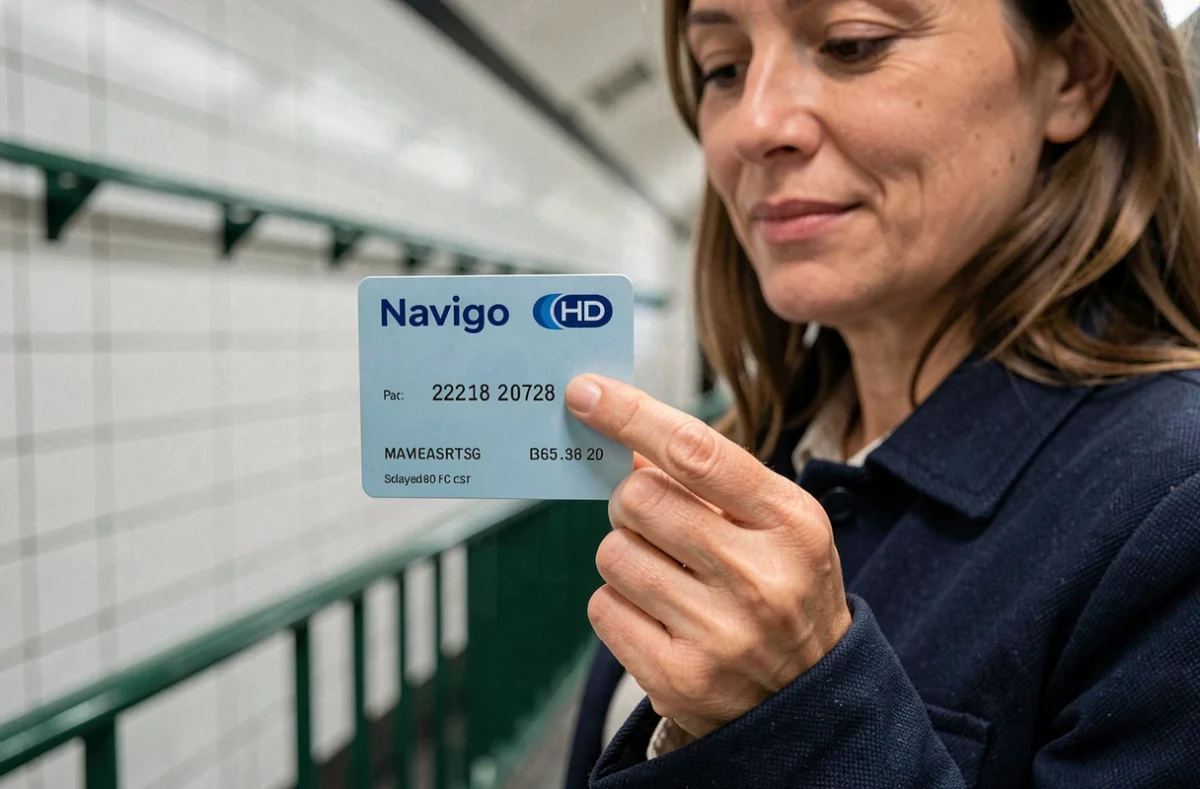
The Navigo customer number and the Île-de-France Mobilités Connect login ID are two separate references. Your email address is used to sign in to your online account, while the customer number is printed on the pass itself or on purchase receipts. Confusing the two can block most procedures, particularly those related to Solidarité Transport.
Navigo customer number on your phone: distinguishing a digital pass from an account ID
Digitising the Navigo pass on Android and Apple devices does not make the customer number disappear. It remains linked to each virtual card stored in your phone’s digital wallet.
One detail that is rarely explained: a single Android phone can hold several virtual Navigo cards. Each card has its own support number. To find it in the Île-de-France Mobilités app, go to “My account”, then “Manage my tickets”. The support number is displayed beneath each saved card.
On an iPhone using Apple Maps, the process is different. After selecting your digital Navigo pass, the support number appears under “Service Identifier”. To access it, open the pass’s context menu, then select “Pass number”.
To find the Navigo Pass customer number on a digital pass, we recommend using the Île-de-France Mobilités app rather than your phone’s native wallet. The number is displayed more clearly there, and you can easily tell cards apart if you have more than one.

Customer number on a physical Navigo card: where to find the right number
The number printed on the physical card is not the same as the subscription contract number. You need the Navigo support number, printed on the front of the card. Make a note of it in case the card becomes unreadable or damaged.
- On the front of the physical card, below the ID photo: a ten-digit number corresponding to the Navigo support number
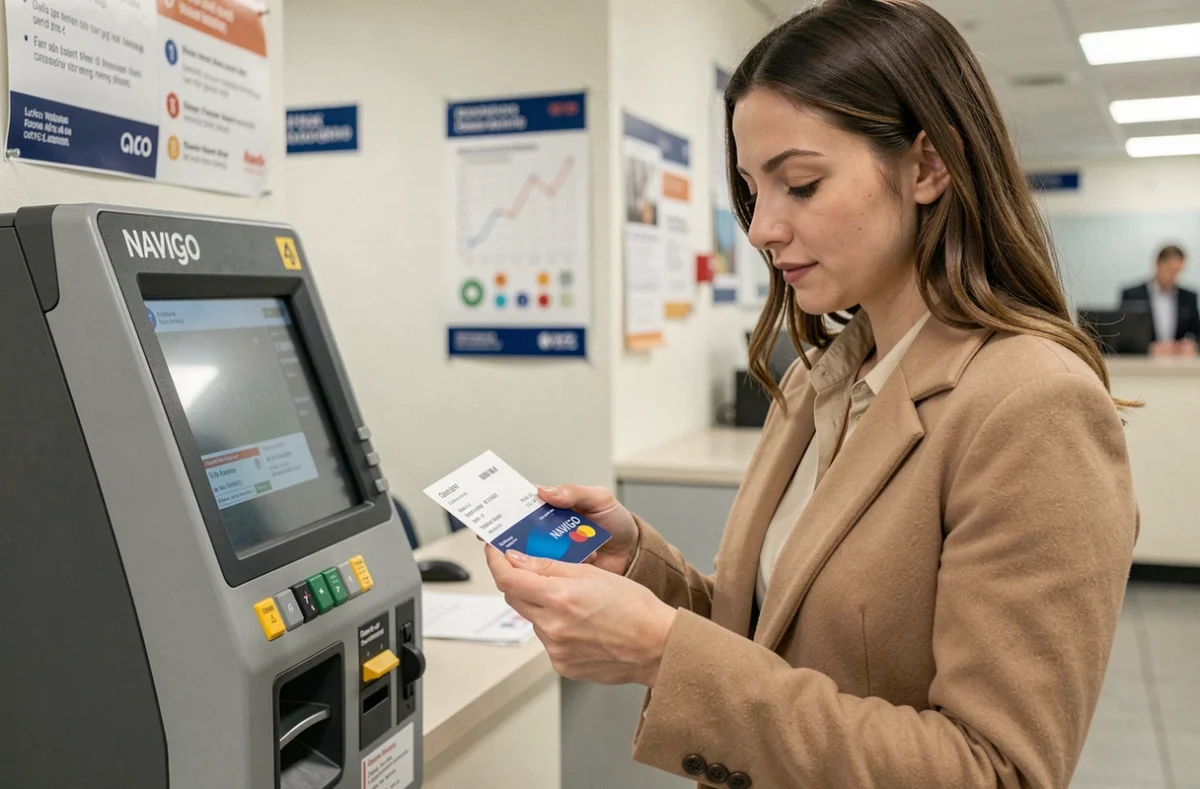
- At an RATP or SNCF station validation machine: scan the card to display the support number on screen
Solidarité Transport case number: an alternative to the Navigo customer number
The Île-de-France Mobilités Solidarité Transport portal uses an authentication system that accepts either a Navigo customer number or a case number assigned when you apply. This is useful if your pass has not yet been issued or delivered.
To sign in to the Solidarité Transport portal, enter your case number and the password you chose when registering.
If you have forgotten your password, the Solidarité Transport login page offers a reset procedure. You will need your Navigo customer number or, if you do not have it, your case number. Either reference can be used for this procedure.
Difference between the Solidarité Transport portal and an Île-de-France Mobilités Connect account
You cannot recover access to Solidarité Transport through Île-de-France Mobilités Connect. These are separate portals with different login details. Connect uses your email address as your login ID. Solidarité Transport uses your customer number or case number, along with a separate password.
Confusing the two portals is the most common reason people get locked out. If you cannot sign in, check that you are on the right website before starting an account recovery procedure.
What to do if you still cannot find your Navigo customer number
A lost card, a deleted confirmation email or a new phone can make it impossible to retrieve your number yourself. Here are some practical options.
- Visit an RATP ticket office or an SNCF Transilien sales office with proof of identity. Staff can look up the support number using the cardholder’s personal details
- Contact Île-de-France Mobilités customer service by email or through the online form, providing the name, first name and address associated with the account
- If you receive Solidarité Transport benefits, use your case number as an alternative login ID to access the dedicated portal without needing your customer number
Station ticket machines can only read the number if your physical card is still working. If you can no longer access the phone holding your digital pass, you will need to contact customer service or check your confirmation emails to find the reference.
The Navigo customer number is a stable identifier that does not depend on the type of pass. Whether printed on a purple card or linked to a virtual card in Google Wallet, it does not change when you replace your pass. Keeping a copy of the number somewhere other than your phone or wallet can prevent most access problems.